
The ticket, the window and the object, in one place.
A task links to the device it is about. A planned change is staged against the real objects and applied when it happens. A maintenance window suppresses the alerts it would obviously cause. None of it lives in a separate tool that has to be reconciled.
Tasks that know what they are about
Every detail page has a Tasks tab listing the work linked to that object, with board, status, assignees, due date and priority. When a linked task is past due, its assignees see an overdue row on the object itself. Other people do not.
Planned changes, applied rather than retyped
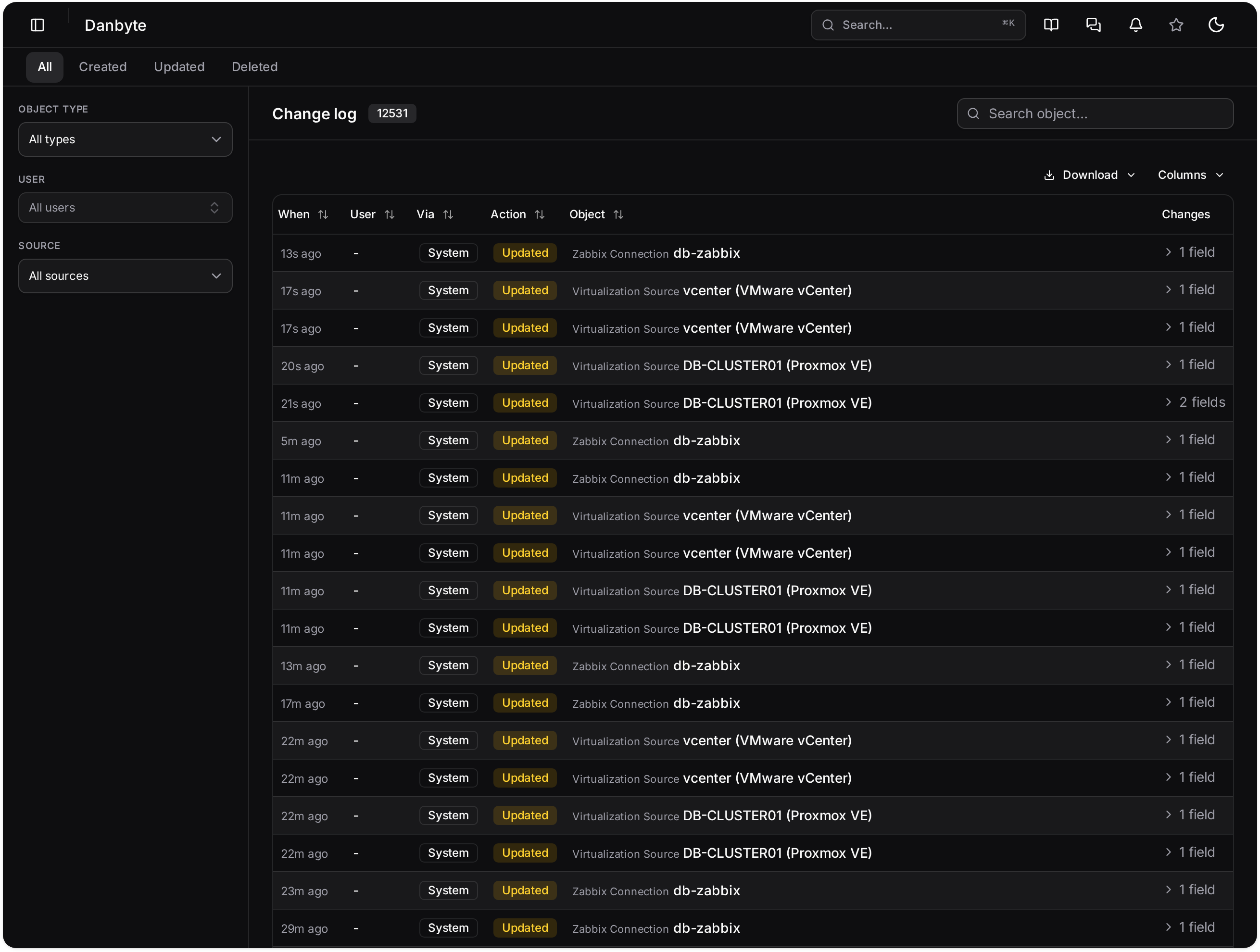
A planned change holds the edits against the real objects. Review it, schedule it, apply it when the window opens. The change log then records what happened, automatically, with a diff.
A calendar that knows what is on the network
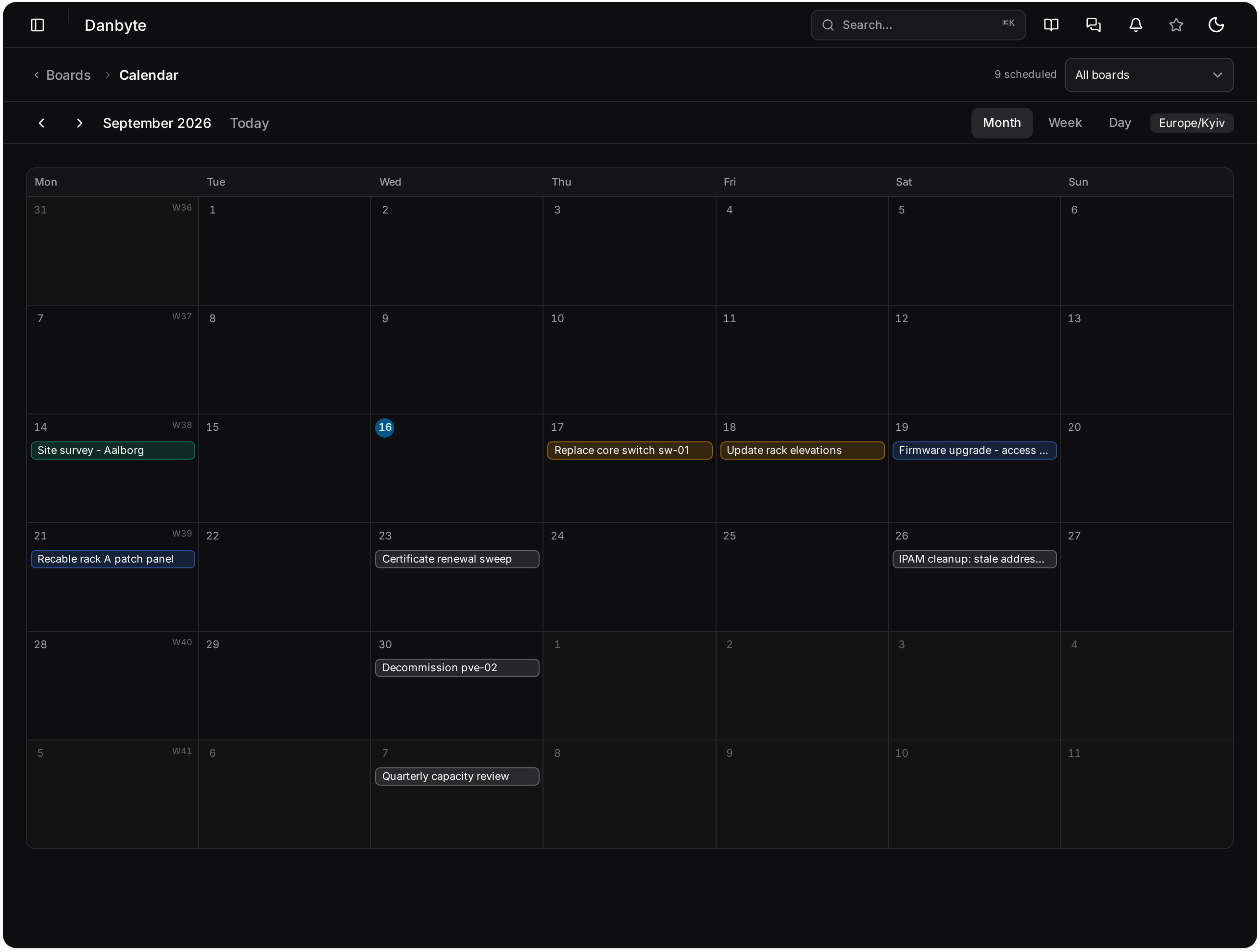
Scheduled work, maintenance windows and provider notices on one calendar, each tied to the sites and devices it affects.
Maintenance and provider notices
A window names the devices, circuits or sites it affects and suppresses the alerts that would obviously follow, so an expected outage does not page anybody. Provider maintenance notices sit on the same calendar, against the circuits they concern.
Compliance, re-evaluated rather than remembered
Rules turn policy into a list: devices with no support coverage, machines running software past end of life, objects missing a required field, anything you can filter for. They are checked continuously, so the answer is right this morning rather than when somebody last ran the query.
Questions
- Does this replace Jira or ServiceNow?
- It is not trying to. The point is that work about a device lives on the device, so you can see what is outstanding for a rack without searching another system. Larger shops keep both and link them.
- Who sees an overdue warning?
- The assignees, or the team of an unclaimed team task. It can be dismissed until the due date moves, and nothing on the task itself changes.
In the documentation
See it with real data.
The live demo is a private instance with a populated estate, yours for thirty minutes. Or install it yourself in a few minutes.