Open-source plugins that extend NetBox with ping monitoring, interactive maps, and more. Built with Python, designed for real infrastructure.
Built with
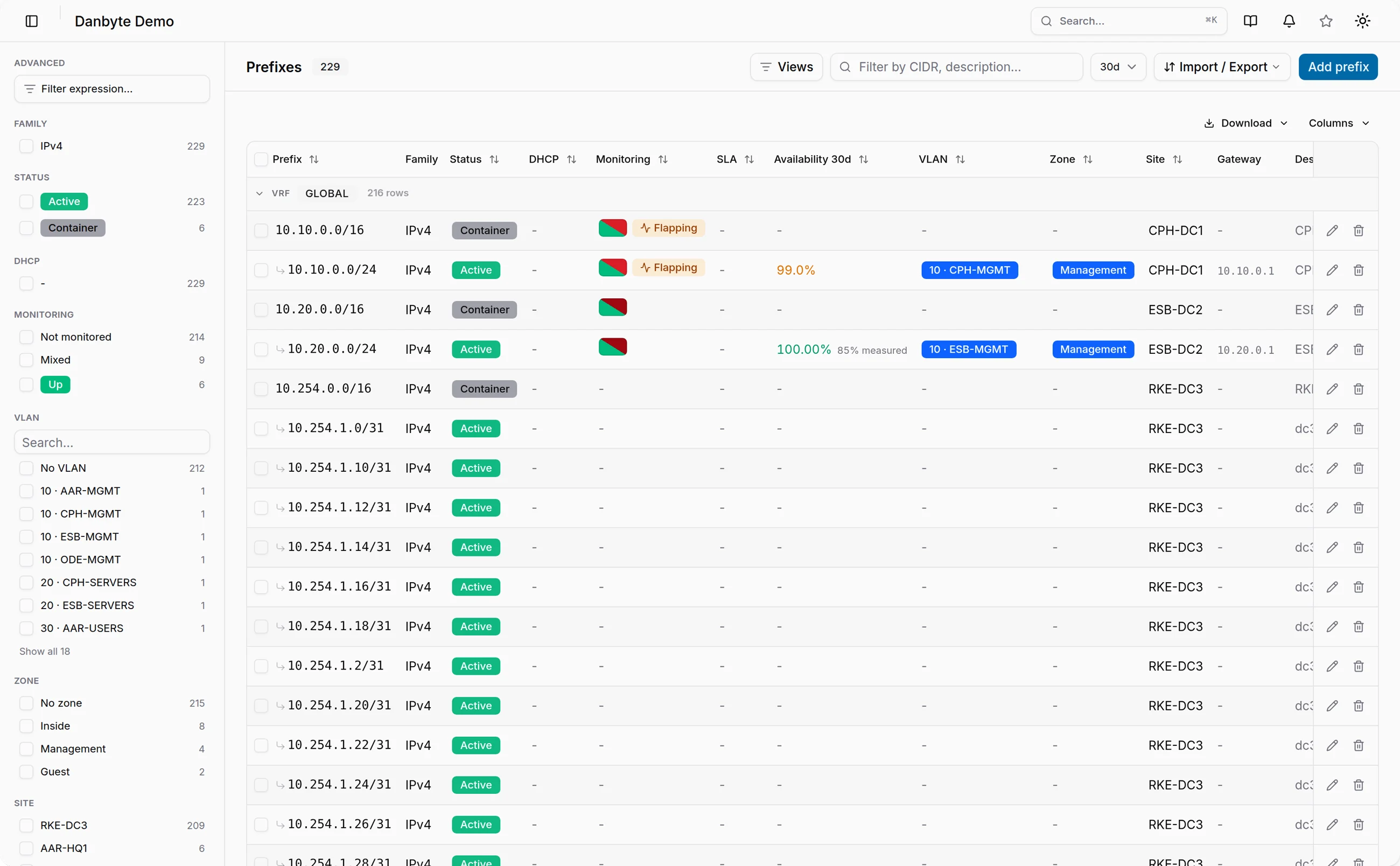
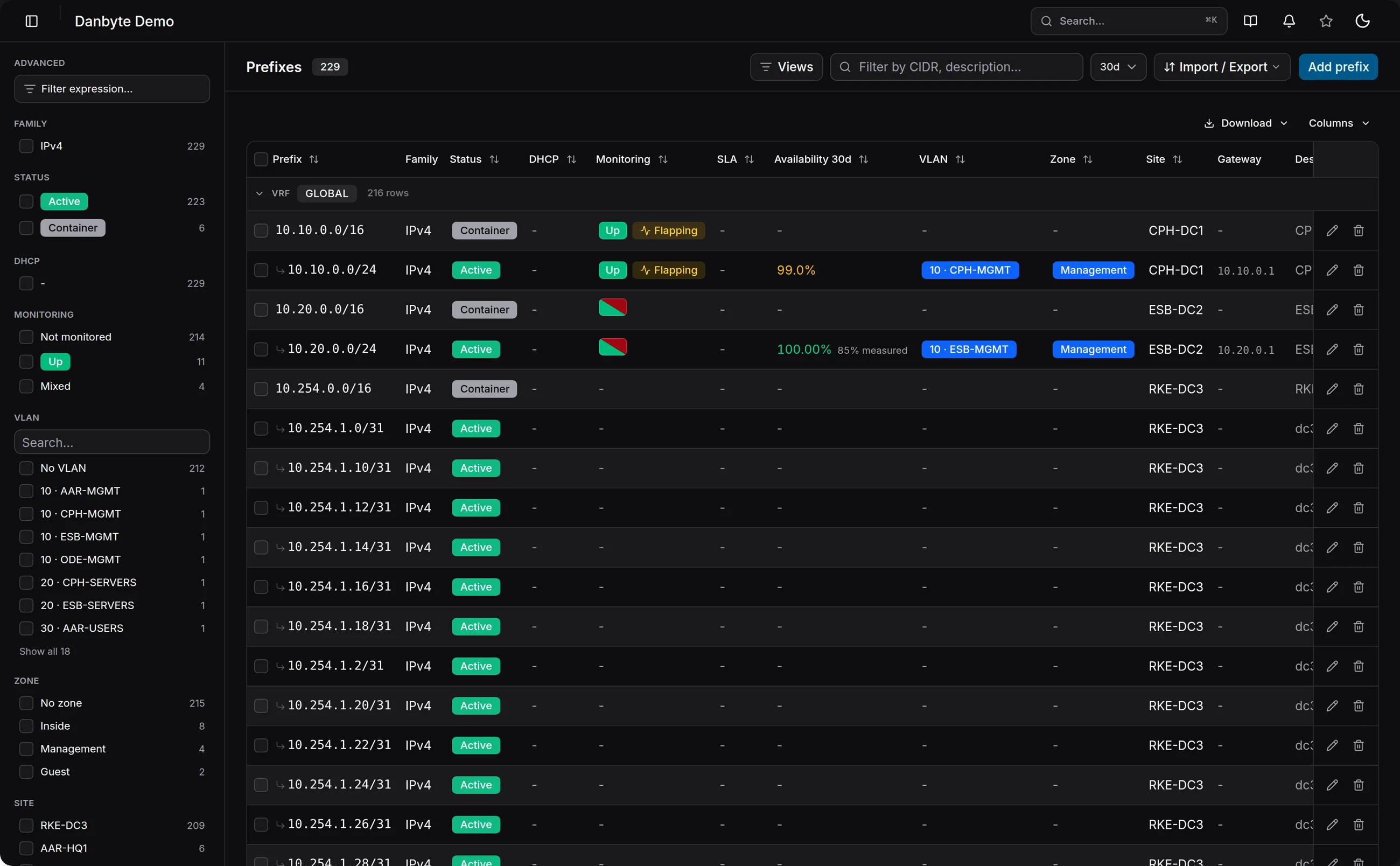
A NetBox plugin for pinging, discovering, and monitoring IP addresses directly from your NetBox instance.
One-click ping from any IP address detail page with response time, DNS name, and last seen.
Ping all existing IPs in a prefix at once to check reachability across entire subnets.
Scan entire subnets to find and automatically add active IPs not yet in NetBox.
Select multiple prefixes from the list view and scan or discover in bulk.
Configure recurring scans and discovery globally or per-prefix with customizable intervals.
Three schedule modes per prefix: Follow Global, Custom On, or Custom Off.
Automatic reverse DNS lookups with configurable DNS servers for reachable IPs.
Sortable ping status columns in IP and Prefix tables, plus status panels on detail pages.
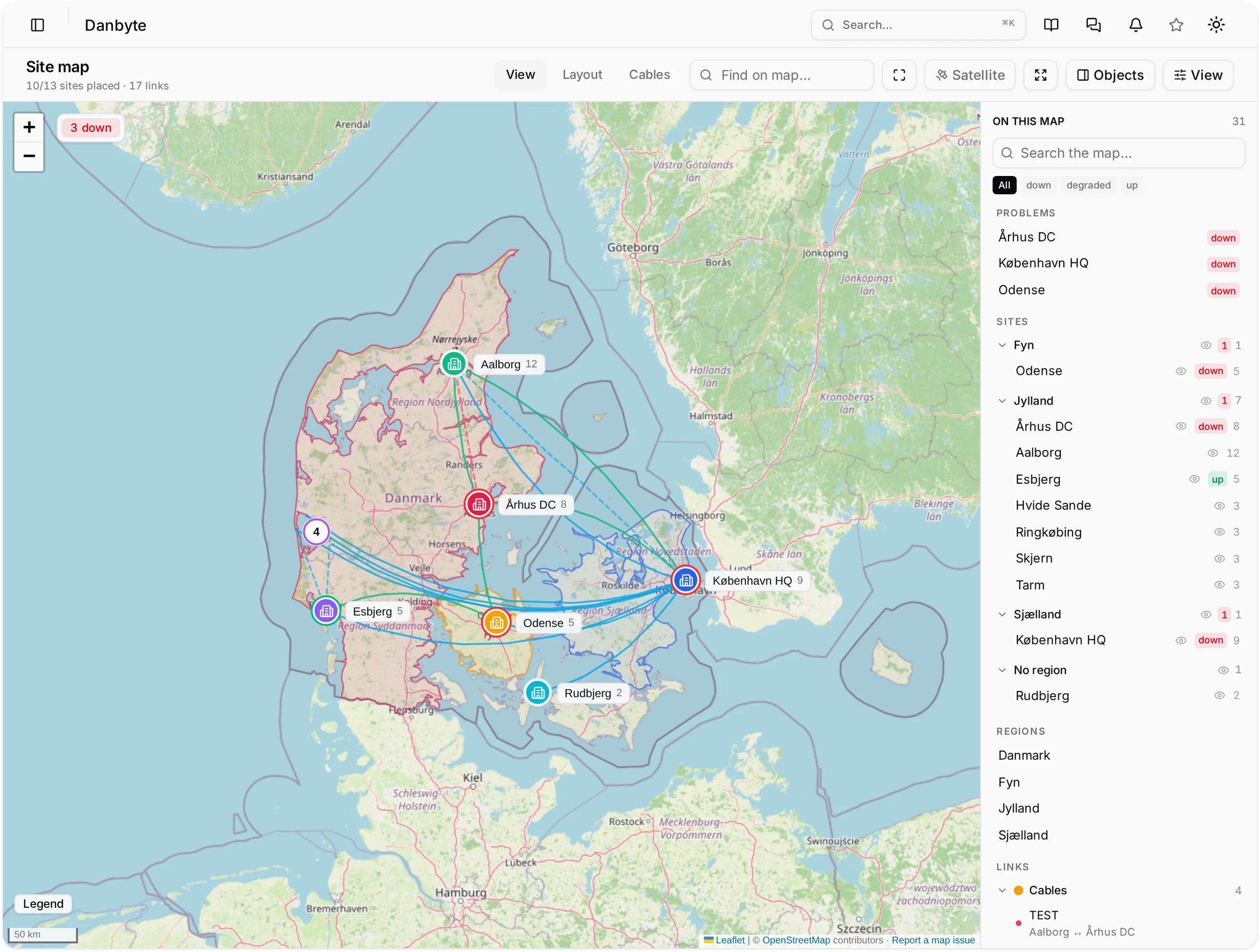
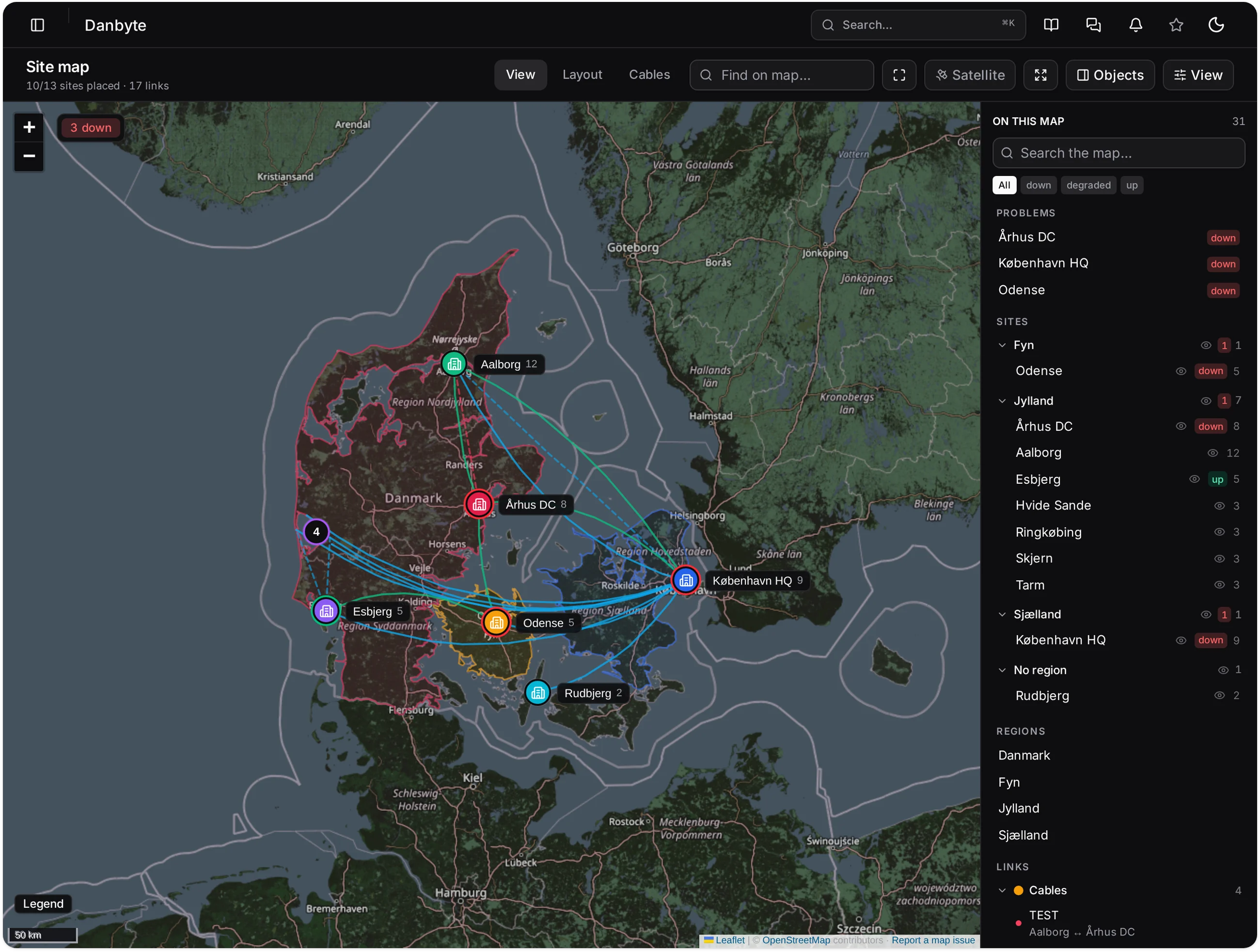
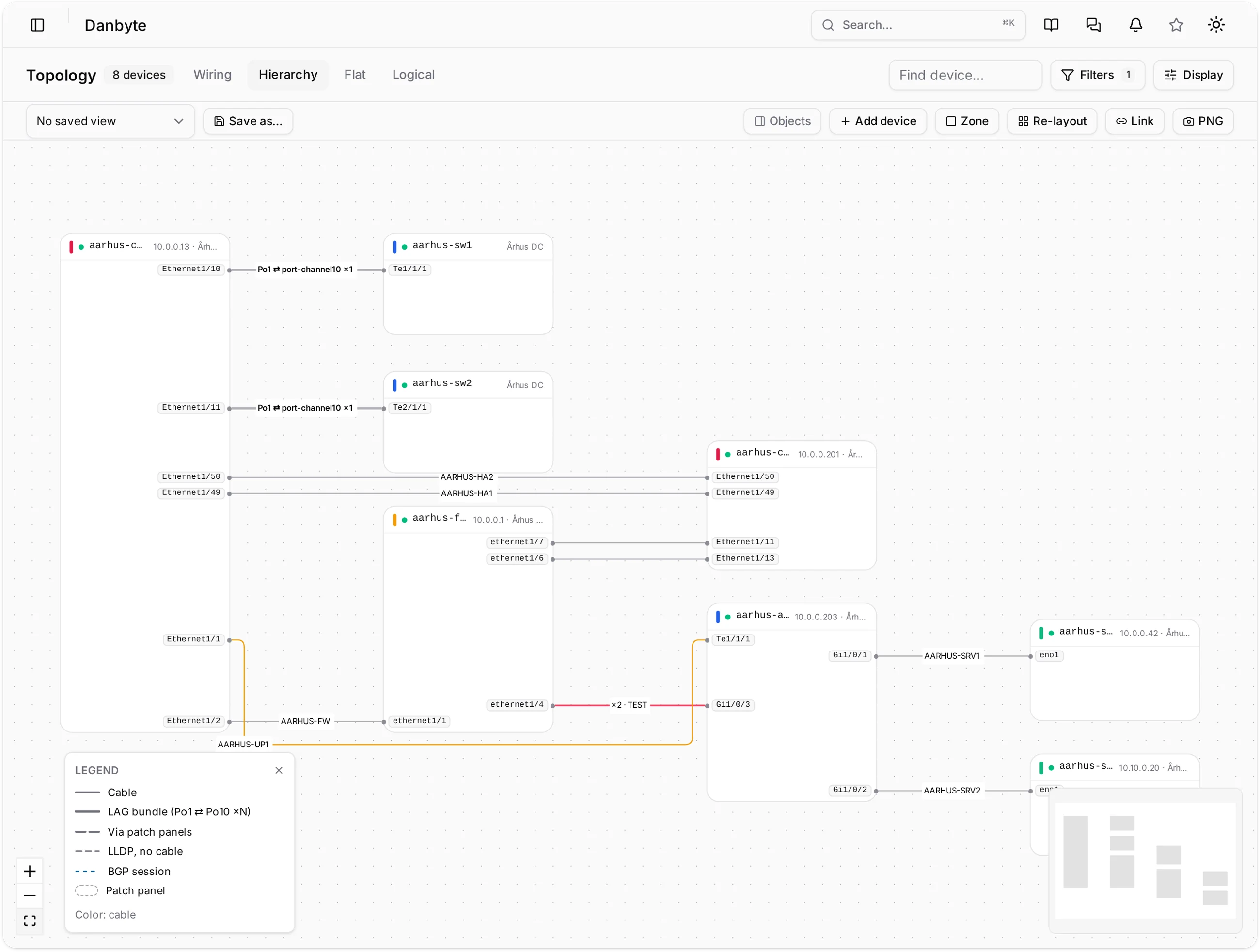
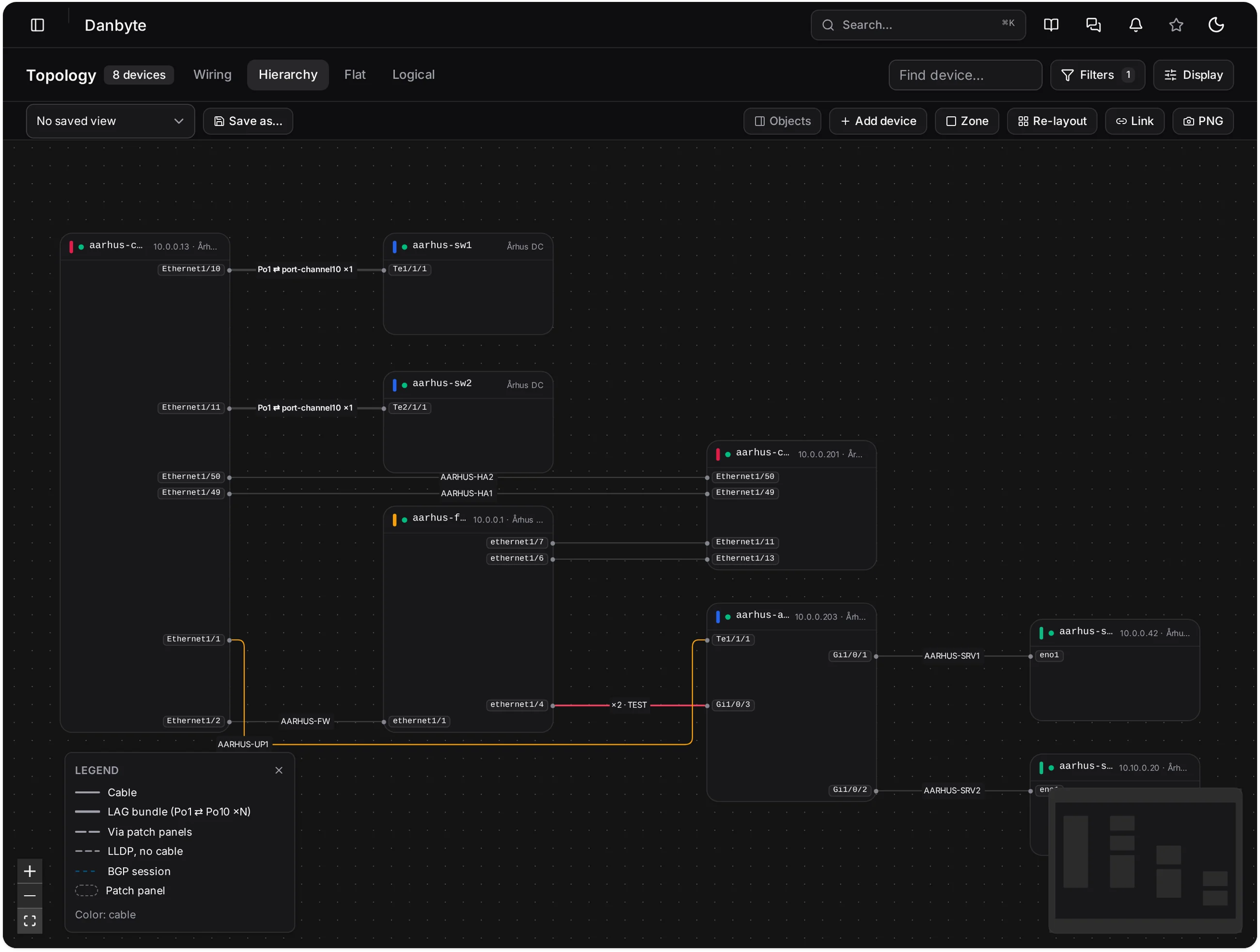
A comprehensive mapping and floor plan visualization plugin for NetBox. Build interactive floor plans, place assets on a global map, visualize rack utilization, and more.
Canvas-based editor with drag-and-drop tile placement, pan/zoom, and configurable grids.
Leaflet.js geographic map showing sites, locations, tiles, and standalone markers.
Color-coded gradient from green to red showing rack fill percentage directly on tiles.
Expand any rack in the sidebar to see all devices inside, sorted by U-position.
Configure and display camera field-of-view cones with live preview on floor plans.
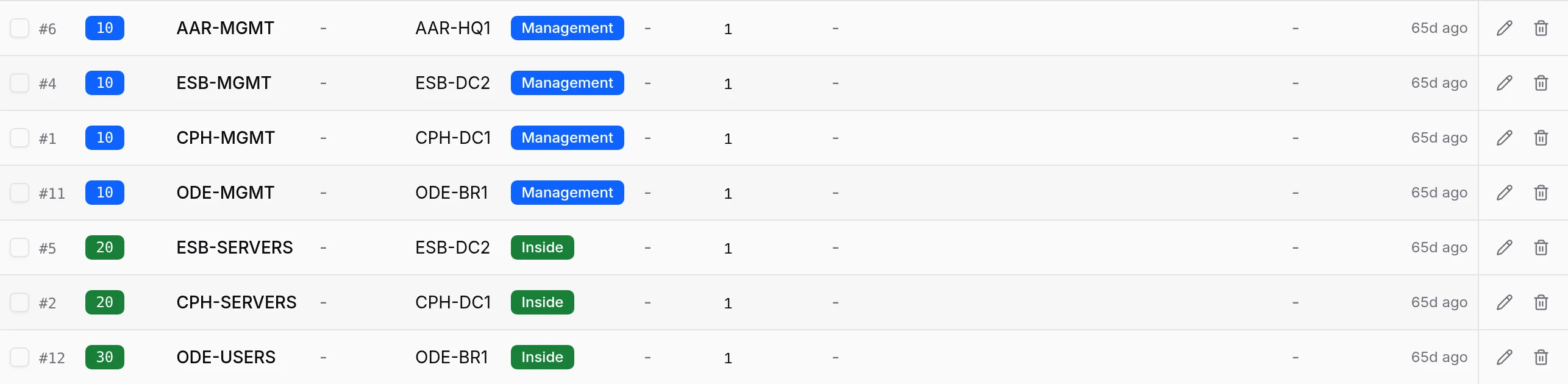
Rack, Aisle, Wall, Door, Cooling, Power, Camera, Access Point, and more with distinct colors.
One-click export of floor plans to PDF including all tiles, labels, and camera FOV cones.
Toggle features and configure detail panel fields from the UI — no file editing or restarts.
Development
Latest commits across our plugins.
v0.3.8
862127aDenDanskeMine26m agoFix Show on Map buttons to zoom in and select the marker
4db4374DenDanskeMine29m agoAdd website link to README
f6922c8DenDanskeMine50m agoAdd website link to README
07af1b9DenDanskeMine50m agoFix scan/discover scheduling bug with shared last_scanned timestamp
f93b67fDenDanskeMine3h agov0.3.7
8783621DenDanskeMine3h agoMerge dev/v0.3.7: Floor Plan Link tile type
08b8933DenDanskeMine3h agoRemove portal icon from floorplan_link tiles
59ad02cDenDanskeMine3h agoAdd inline editor UI for linking floor plans to floorplan_link tiles
c919247DenDanskeMine3h agoAdd Floor Plan Link tile type for cross-floorplan navigation
53952edDenDanskeMine3h agov0.3.6
a61e5a2DenDanskeMine4h agoSupport NetBox Maps URL setting for site map deep-linking
0dcf9c7DenDanskeMine4h agoAdded License
7059118DenDanskeMine6h agoMark dev/rc/alpha/beta releases as pre-release on GitHub
06ee259DenDanskeMine9h agov2.0.1
c452defDenDanskeMine9h agoAdd GitHub Release creation to publish workflow
1cb4f2eDenDanskeMine9h agoAdd link to NetBox Map plugin
8b1a9b9Christian Rose9h agoUpdate README.md
f06edc5Christian Rose1d agoAdd custom status badge image to README
ec11019Christian Rose1d agoAdd Custom Status badge section to README
d1c1a4eChristian Rose1d agoGetting Started
Get up and running in minutes with pip.
Install from PyPI into your NetBox virtual environment.
$ pip install netbox-ping$ pip install netbox-mapAdd the plugin to your NetBox configuration.py file.
PLUGINS = [
'netbox_ping',
'netbox_map',
]Apply database migrations, collect static files, and restart NetBox services.
$ python manage.py migrate$ python manage.py collectstatic --no-input$ sudo systemctl restart netbox netbox-rqOr try it instantly at demo.danbyte.net — no install needed.
Install our plugins in minutes and unlock new capabilities for your network documentation.
demo.danbyte.net — user: demo / pass: demo